Monolith
A downloadable game
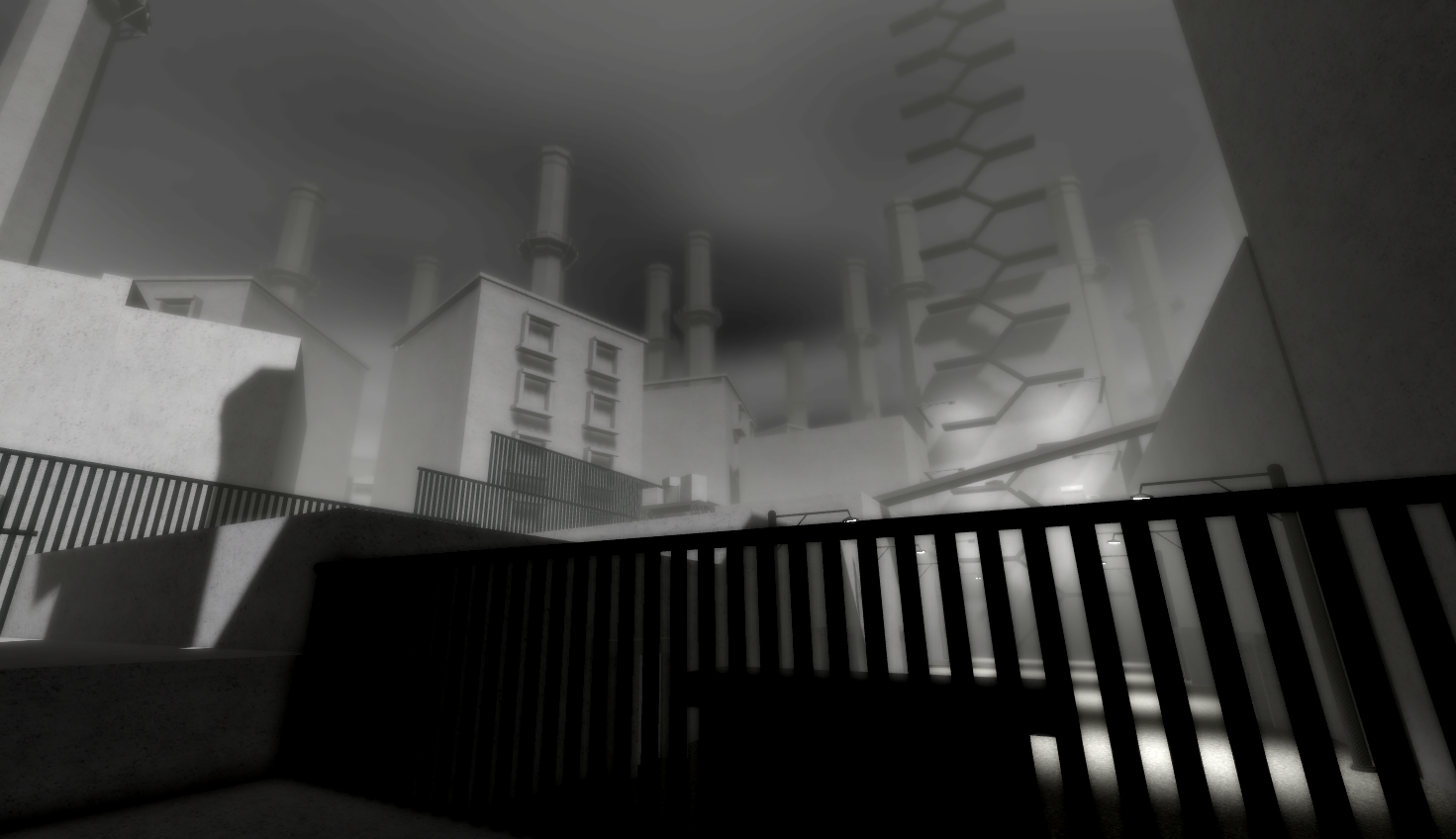
Quick! The end draws near for this monochromatic world, and only YOU can put an end to this tragedy and bring peace to its poor, distraught denizens. Explore the open (4 rooms) world! Loot (2 items) to your heart's content! And solve the (2 if that) many puzzles to finally uncover the origin behind this semi-post-post-apocalyptic world!
*This septuple A experience was brought to you by Large Language Studios®
--Controls--
- Left Click - Use Item
- Right Click - Interact
--Credits--
- Agent 1 – Head of Programming
- Agent 2 – Torso of Programming
- Agent 2.718281828459045235360287471352 – Legs of Programming
- Agent 3 – Taking sound effects from the Roblox asset store
- Agent 4 – Taking free models from the Roblox toolbox
- Agent 5 – Creating original models in blender with god awful topology
- Agent 6 – Creating original models in Roblox Studio with god awful clipping
- Agent 7 – Playtesting
- Agent 8 – Writing
- Agent 9 – Nothing, this one was kind of useless
- Agent 10 – The ideas guy
- Agent 11 – The best of the bunch, wrote this magnificent description. Not just an agent, but a creative, innovative, and driven individual. Delivering real results with real impact.
- Google Gemini – Giving the fix for the stupid annoying bug where if your y look vector aligns to 180 degrees (3.14) your held item would flip 180 degrees instantly because the spring module by Quenty used by agent 1 only supports vector values for the spring and because the trig vector flips from 3.14 to -3.14 the spring would interpolate back down to negatives flipping the item model 180 degrees again because it doesn't understand that in trig -3.14 and 3.14 are the exact same seriously what the hell does math.atan2 even do
- Agent N – Proving that aₙ converges to ...something. As to what? Your guess is as good as ours!
©2026
Download
Install instructions
You can play here https://www.roblox.com/games/124070514170007/Monolith
Or if you (rightfully) haven't given Roblox your biometrics you can:
1. Download the .rbxl file
2. Download/open Roblox Studio
3. Open new experience
4. File > Open from file > select monothlith.rbxl
5. File > Save
6. File > Publish
7. Go to your creator dashboard and find the game
8. Hover over the game click the three dots and click "View on roblox"
9. Play
Leave a comment
Log in with itch.io to leave a comment.